Learning / STUDENT PROJECT
excalive: hand-drawn slide decks and narrated videos.
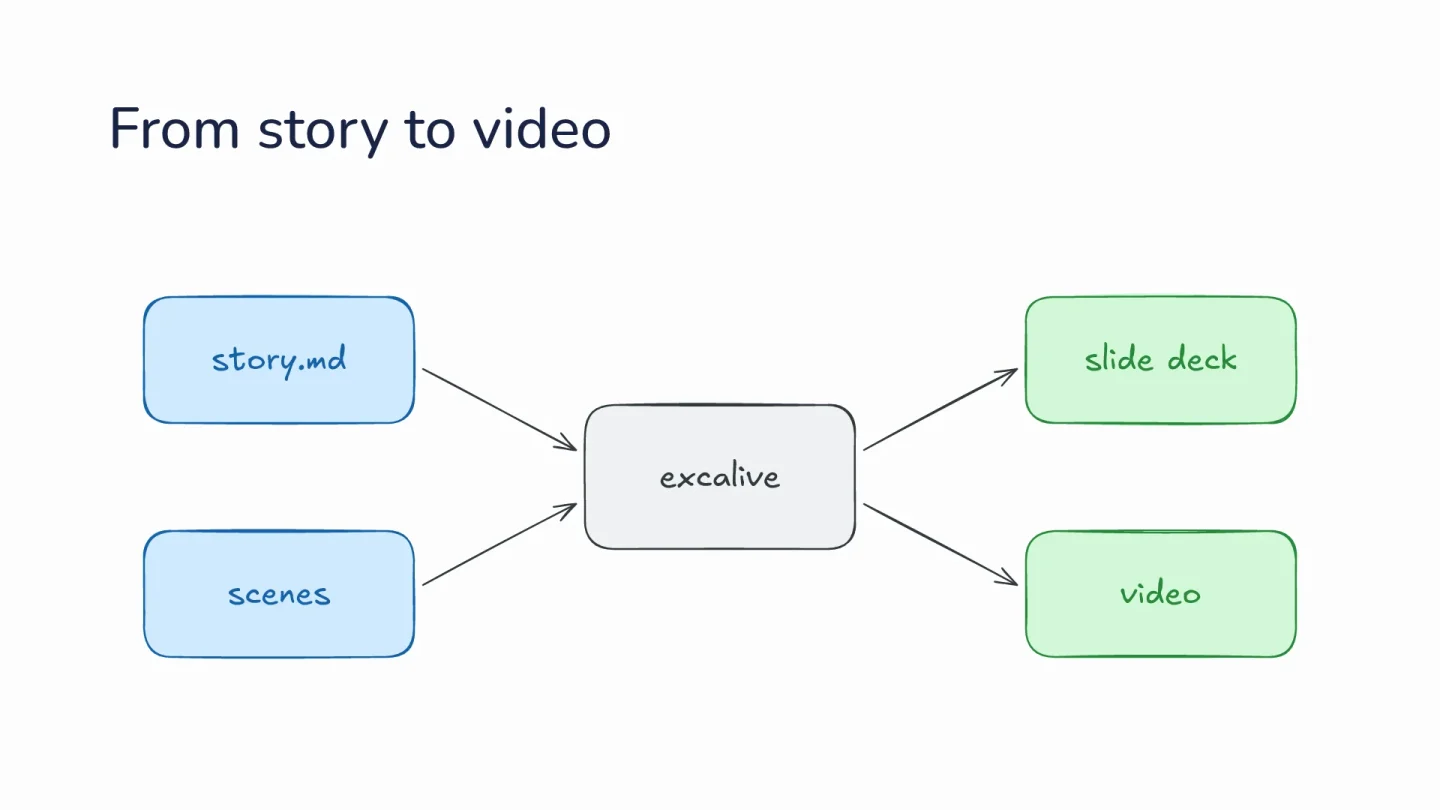
Turns one markdown story and a set of Excalidraw drawings into a slide deck and a narrated video, with a local voice and checks that run before any render.
Problem
Lectures in this course come with narrated videos as well as slide decks, and keeping the two in step by hand breaks down fast. Change one slide and the recording is out of date, and re-recording a voice to fix one sentence is slow. The diagrams were already drawn in Excalidraw. I wanted one file per lecture that builds both the deck and the video, so they can't disagree, and a voice I could regenerate whenever a sentence changed. I also wanted a coding agent to do most of the building, so the mistakes a person catches by watching a video had to be caught some other way.
The build
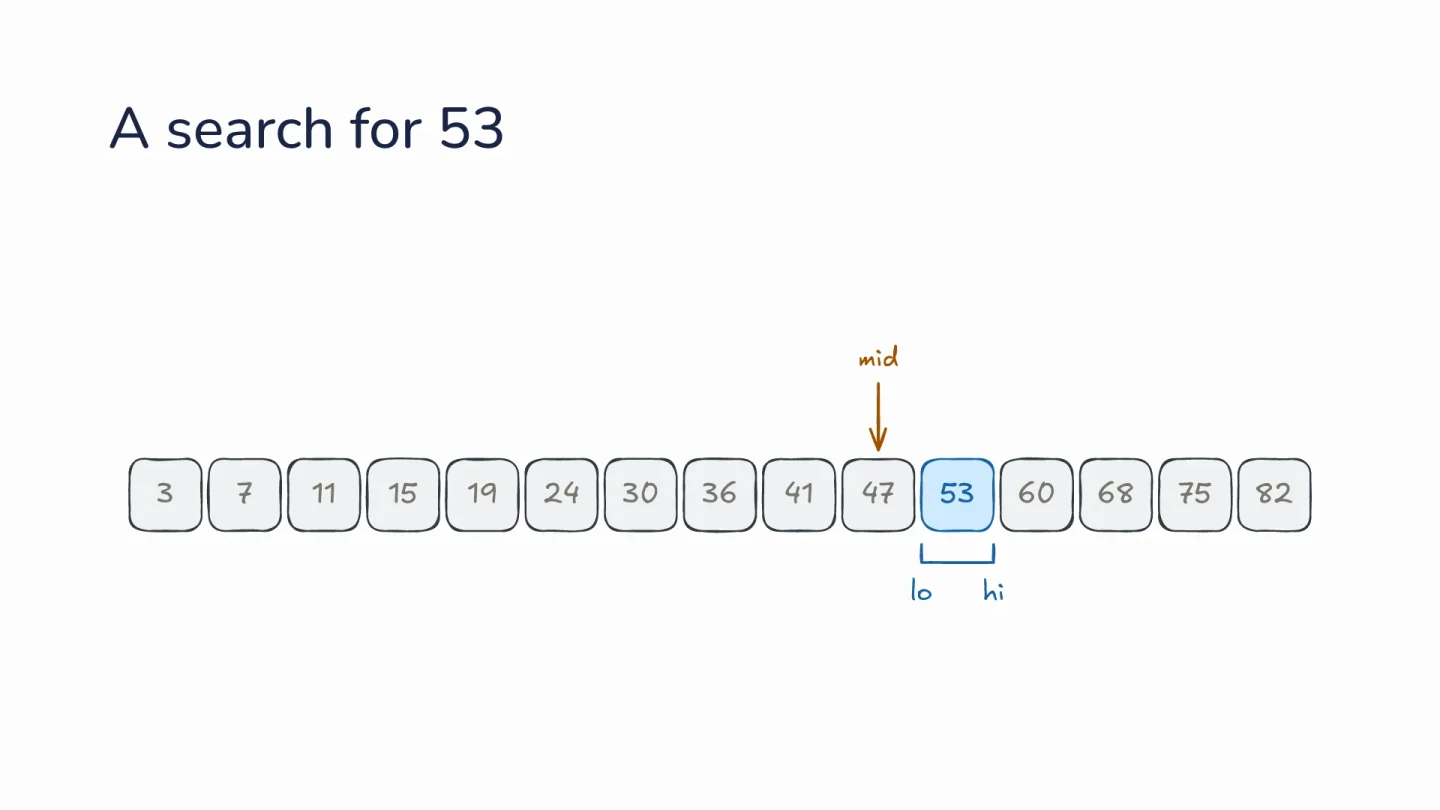
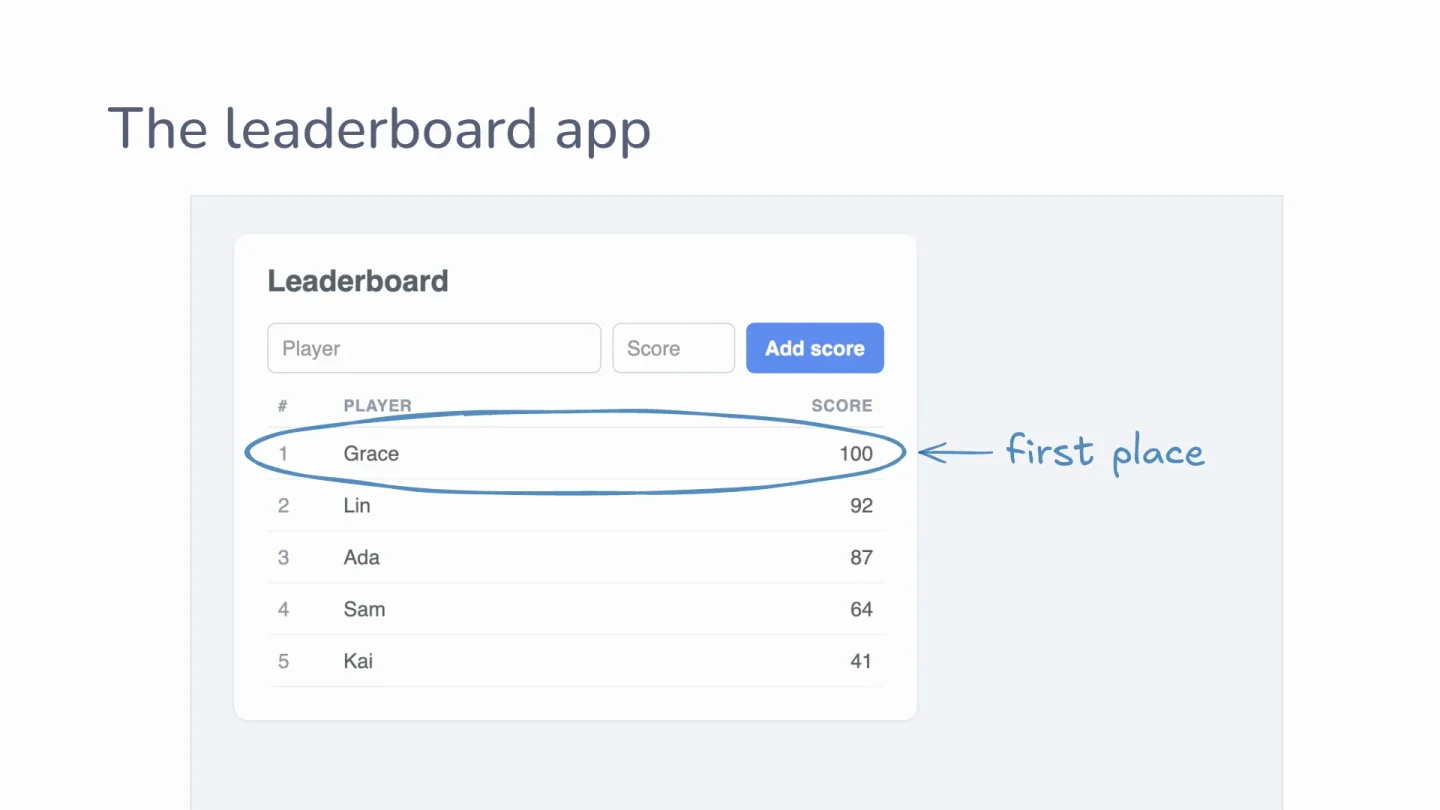
You draw scenes in Excalidraw, list each scene's build steps, and write a story with one markdown section per step holding what is said while that step is on screen. The slides command turns the story into a Slidev deck with a still for every click and the story text as presenter notes. The video command has Kokoro, a text-to-speech model that runs on your machine, read each section while its step draws in. Arrows grow along their path, shapes trace their outline, labels write themselves on and code types out. An element that keeps its id from one scene to the next slides or recolors into place, the camera can move in on part of a scene, and a screenshot of a real app can sit in a scene with hand-drawn rings around the parts being discussed. The check command runs in about a second before any render. It flags on-screen text the narration never says, text that runs off the page (measured with the real fonts), words the voice will misread, and a spoken count that disagrees with the screen. Only sections whose words changed are voiced again, and a 16-minute video draws in about three and a half minutes on an M-series Mac. Since November it also makes vertical shorts with word-timed captions and music. It installs as an agent skill for Claude Code, Codex or Cursor. This course's lecture decks and narrated lecture videos have been built with it since mid-October.
AI use
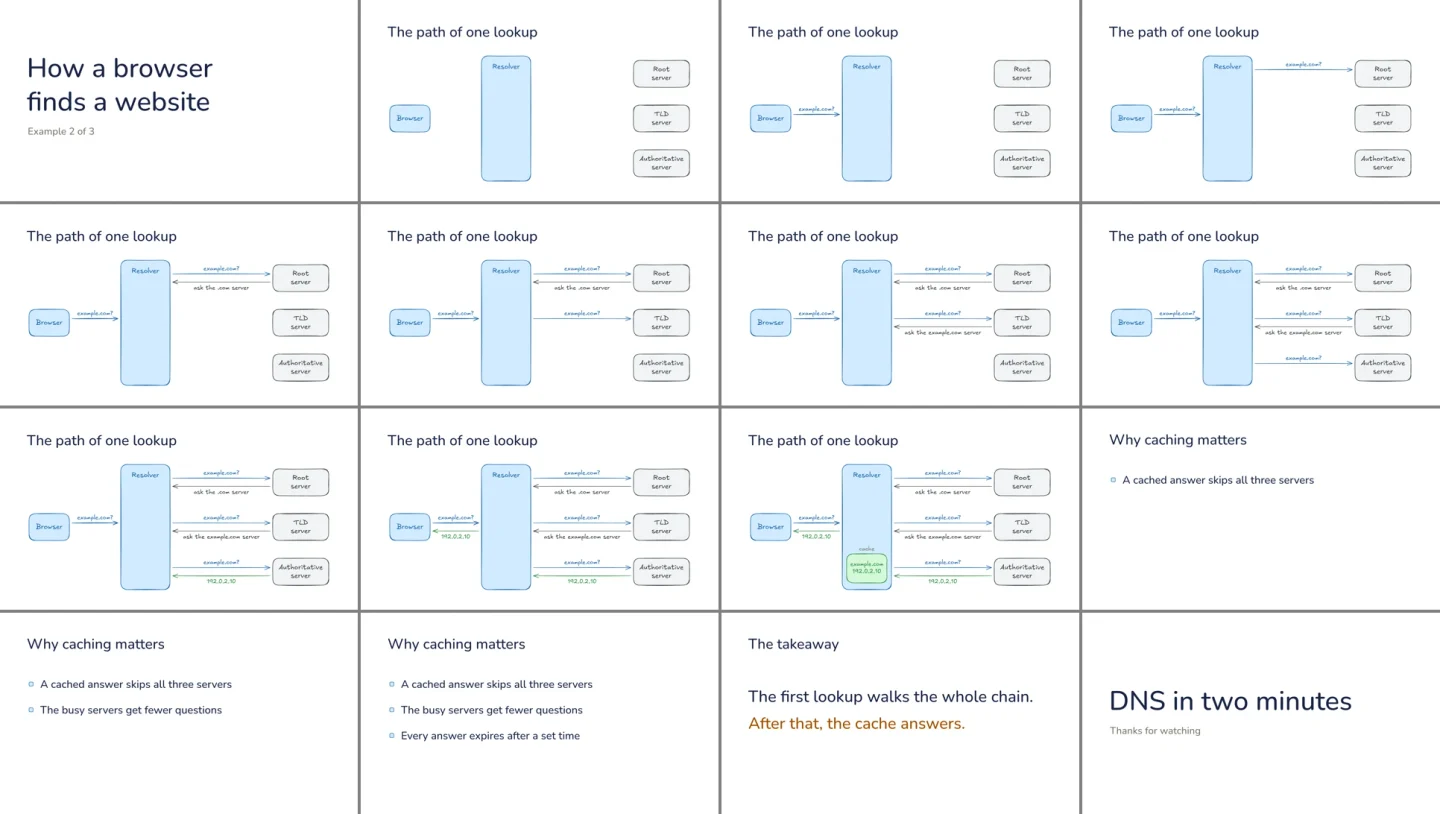
I built excalive with Claude Code. Claude Code wrote most of the code, and I set the format and decided what to change after looking at each round of output. excalive is also made for agents to run. It ships as a skill, so one install gives an agent the command and the house style, and it can draw scenes, write the story, run the checks and build on its own. Most of the checks exist because an agent can't watch or hear a video. A contact sheet puts every slide of a deck in one image the agent can look at before spending minutes on a render. For the voice, the workflow has the agent look up the phonemes of suspect words and transcribe every clip with Whisper, then diff the transcript against the script to find the sections a person should listen to first. A usage command reads Claude Code transcripts and reports the tokens, time and cost a run took.
Decisions
One story file drives both outputs, and the deck's presenter notes are the narration. An early narration written separately as a summary ran 9 minutes for an 80-minute talk, so I dropped it. Diagrams stay hand-drawn but slide text is set in plain type, because fully hand-drawn text looked odd on a slide. A video refuses to render while any on-screen text goes unsaid: viewers read along, and a label the voice skips reads as the two disagreeing. The voice runs locally, so re-voicing a lecture after an edit costs nothing. I reused mcp-excalidraw-server's headless renderer to draw the frames. To check the output I looked at the contact sheets before every video, and they caught centered labels that the headless renderer drew off-center. I also set recordings of delivered lectures against the scripts they were given from, and the house style's rules for building an argument and writing the notes came out of that.
Limitations
It is a command line tool and an agent skill with no editor of its own. It needs node, ffmpeg, uv and mcp-excalidraw-server 2.1 or later, plus Slidev to export a deck to PDF or PPTX, and the first video downloads about 330 MB for Kokoro. excalive does not lay out diagrams: a person or an agent still draws each scene in Excalidraw and lists its steps. Kokoro misreads some names and numbers, so a story may need a pronunciation list, and a person should still listen before a video ships. Changing one step redraws the whole video, though only changed sections are voiced again. The render time above was measured on an M-series Mac.
Screenshots