Everyday tools / STUDENT PROJECT
Inbox Triage: Gmail sorted on your iPhone.
An iPhone Shortcut that triages Gmail with Apple's on-device model, reports in Apple Notes, and turns your corrections into rules.
Problem
My inbox fills with receipts, newsletters, course notifications and sales, and the few messages that need me get buried. Cloud mail filters mean handing my mail to another service, and the iPhone Mail app's Shortcuts actions can read mail but can't archive or delete it. I wanted something that sorts my inbox twice a day, keeps the text of my mail on my phone, and gets better when I tell it it was wrong.
The build
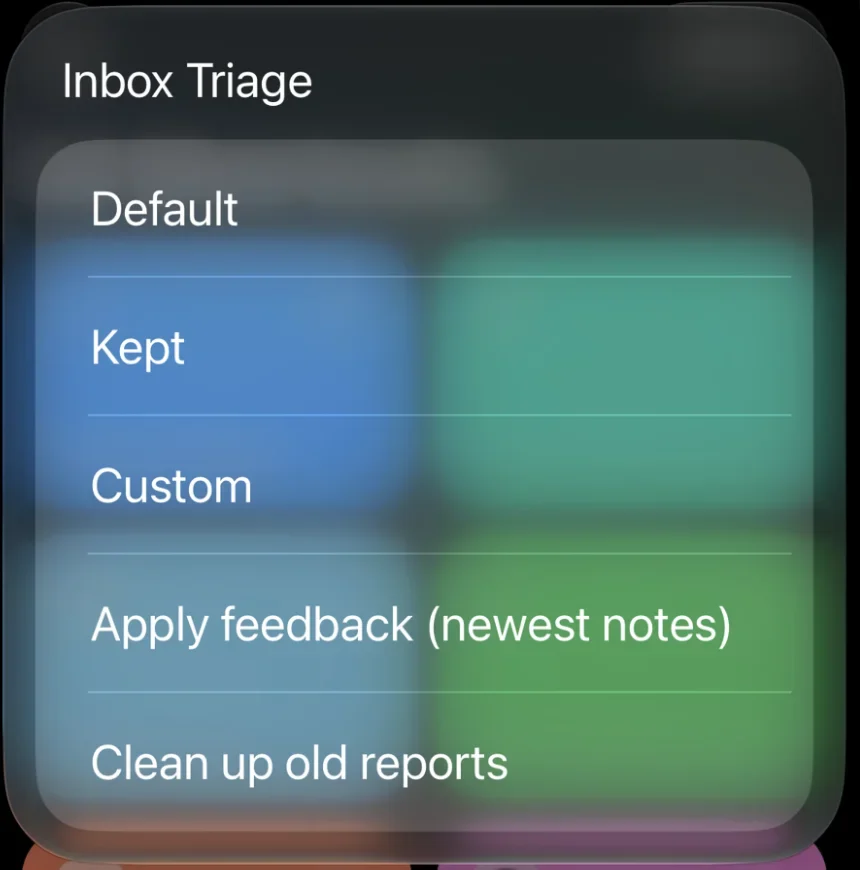
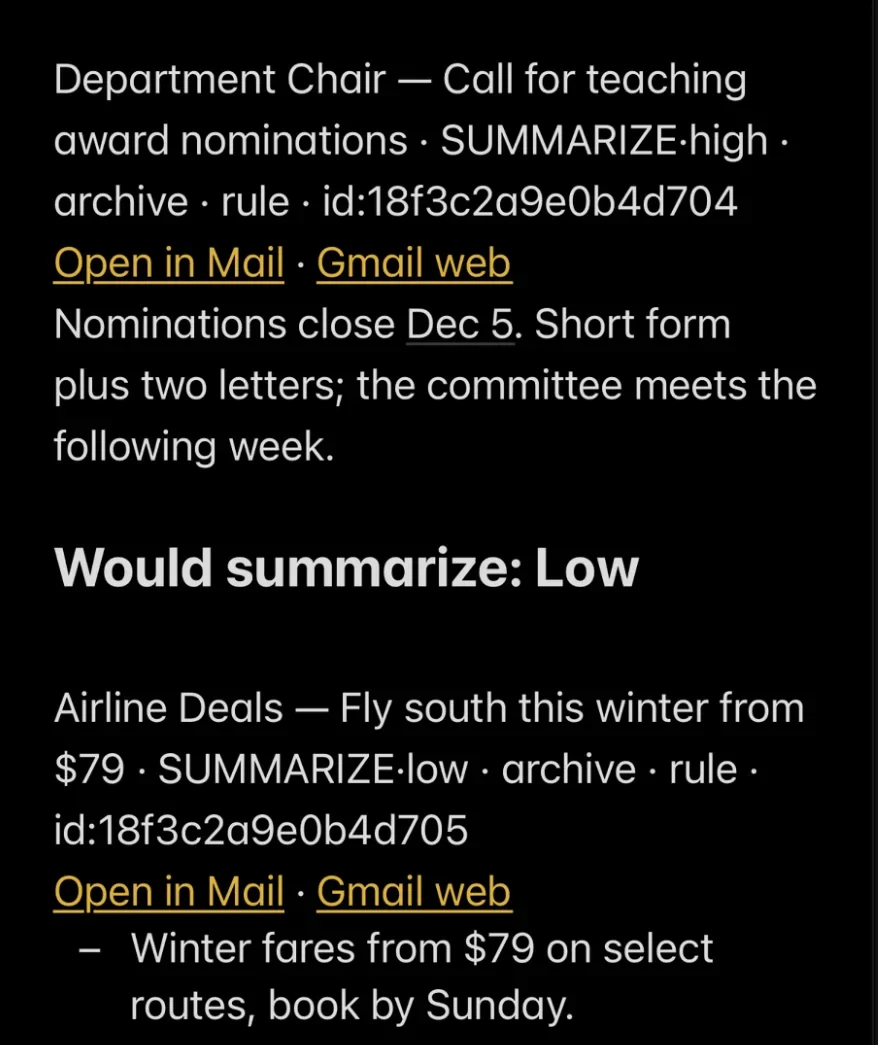
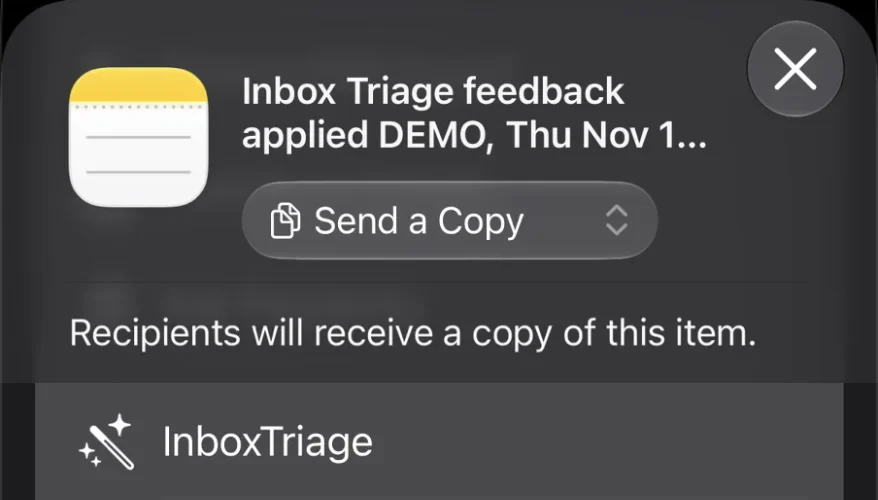
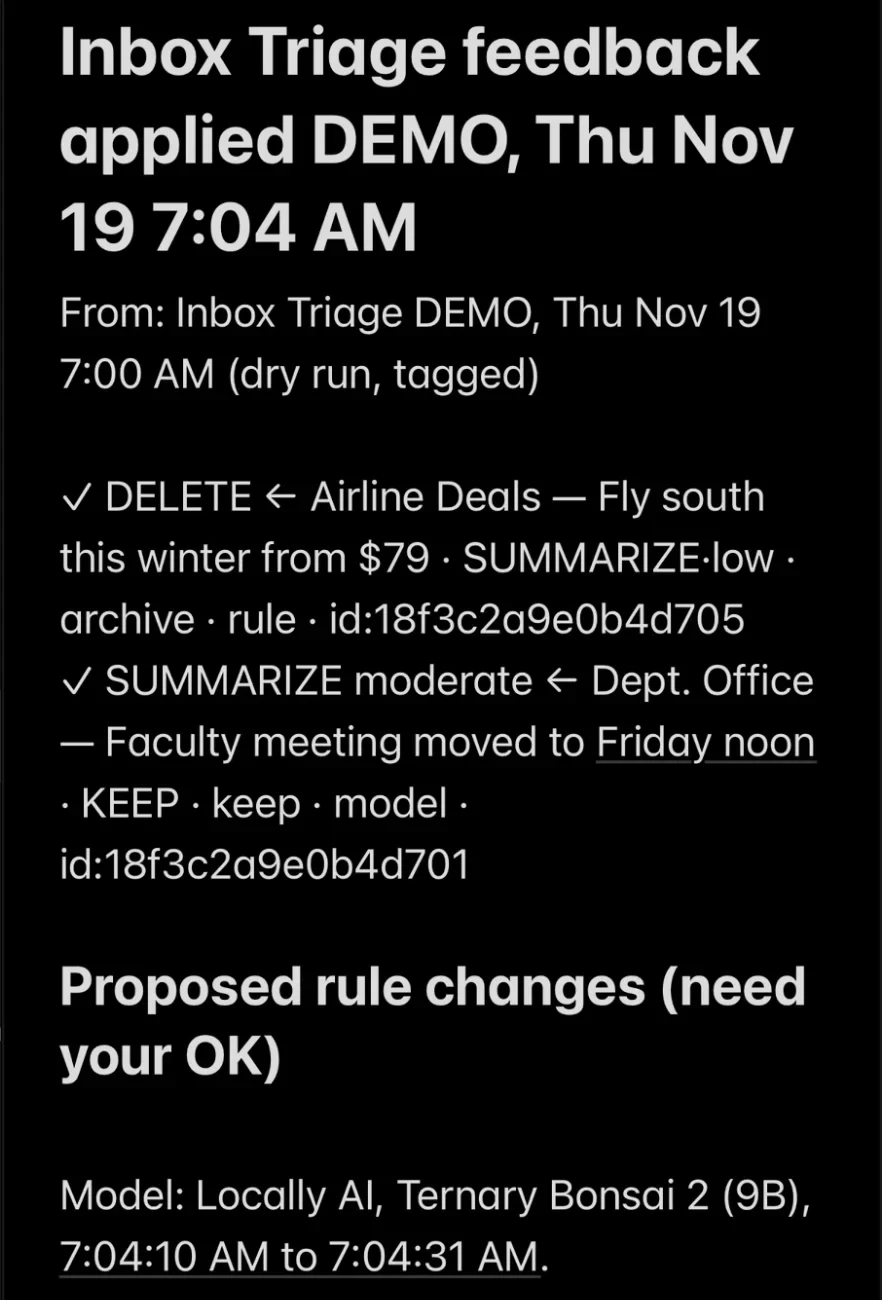
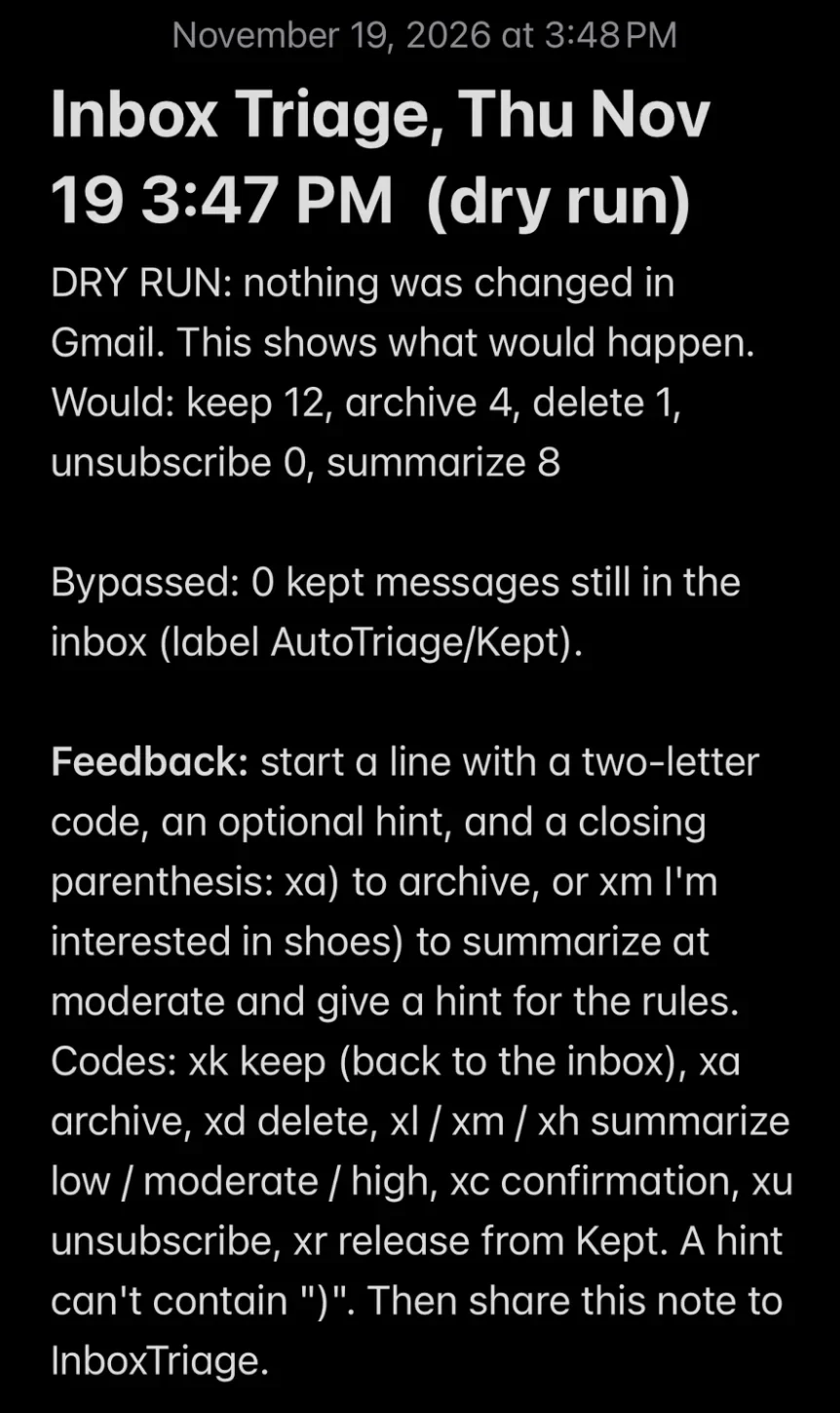
Three iPhone Shortcuts, about 1,600 actions in all, that call each other: one gets a Gmail access token, one does the triage, and one is the menu and the feedback target. Each run lists new inbox mail through the Gmail API. My sender and keyword rules go first, then Apple's on-device model decides whether each message should be kept, archived, deleted, unsubscribed from, or summarized at low, moderate or high interest. The result is a report in Apple Notes. To correct a line I type a two-letter code in front of it, like xa) for archive, optionally with a hint, and share the note back to the shortcut. It re-applies those messages, records the correction, and a local model drafts rule changes that I review on my Mac before anything changes. The shortcuts aren't built by hand: a Python generator writes them as property lists and signs them, and a pytest suite of 75 tests checks the generated files against the failure modes I hit on my phone.
AI use
I designed it and made the decisions; Claude Code wrote the code in one long session that I drove from my phone. Shortcuts has no public file format, so it worked from Apple's own gallery shortcuts, app metadata on my Mac and a shortcut I exported, wrote the generator and tests, and debugged from my screenshots and the run logs the shortcut leaves in iCloud. Inside the product, Apple's on-device model classifies and summarizes each message, and Locally AI, a local model app, drafts rule proposals from my corrections and hints.
Decisions
Safety came first. It starts in dry run, so the report says what it would do and Gmail is untouched. Deleting and unsubscribing each need their own switch. Low confidence, starred or important mail, unreadable messages and model output it can't parse all mean keep. Every change adds an AutoTriage label so it can be undone, unsubscribing only sends the standard one-click request, and mailing-list unsubscribes become drafts I send myself. Rule changes stay proposals until I approve them; the first batch included rules that would have deleted all mail from a colleague or every course notification, which is exactly why a person reviews them. Each Shortcuts behavior was checked on my iPhone; each one that broke a run became a test or an entry in the project's lessons file.
Limitations
It is still in dry run on my own inbox. The on-device model is small: early runs kept most messages and flagged nearly everything as needing me, so rules do most of the work. Testing on the phone turned up a bug almost every round, from empty report notes to runs stopped by unusual message formats. It runs only on an iPhone with Apple Intelligence, generating and signing need a Mac, and it only works with Gmail. Report links open the message in Apple Mail or Gmail on the web, because Gmail's iPhone app has no link to a single message. Corrections are typed because Notes can't tell Shortcuts which checklist items were ticked.
Screenshots