
Developer tools / STUDENT PROJECT
MDLive: a live Markdown previewer you can type into.
A small offline Markdown viewer for Mac and Linux that re-renders the moment a file changes on disk, so I can watch an AI agent edit docs as it works.
Problem
When a coding agent rewrites a spec or a README, I want to read the result as a formatted page right away instead of as raw Markdown in a terminal diff. The tools I tried were full note-taking apps with vaults, editors with a preview pane I had to keep in sync, or web servers. I wanted something smaller: open one file, keep the window beside my editor, and have it refresh by itself as soon as the file changes, including when another program saves it.
The build
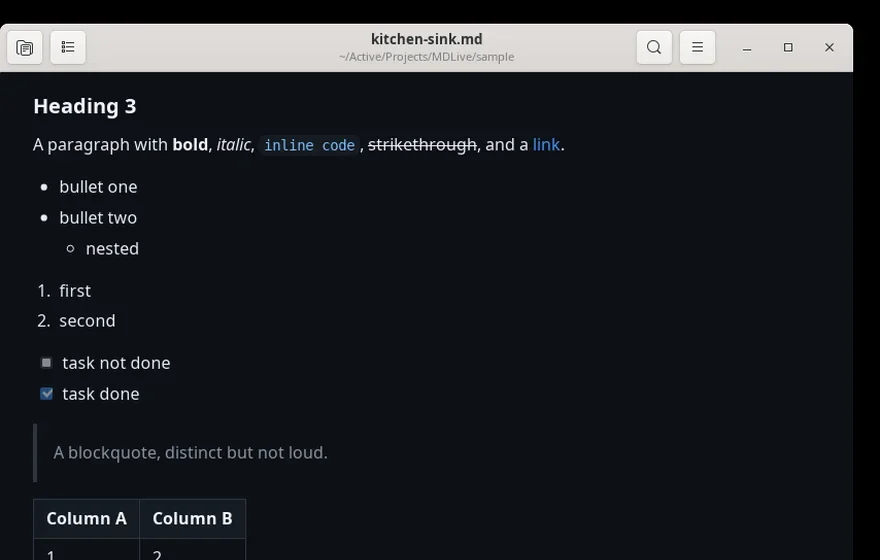
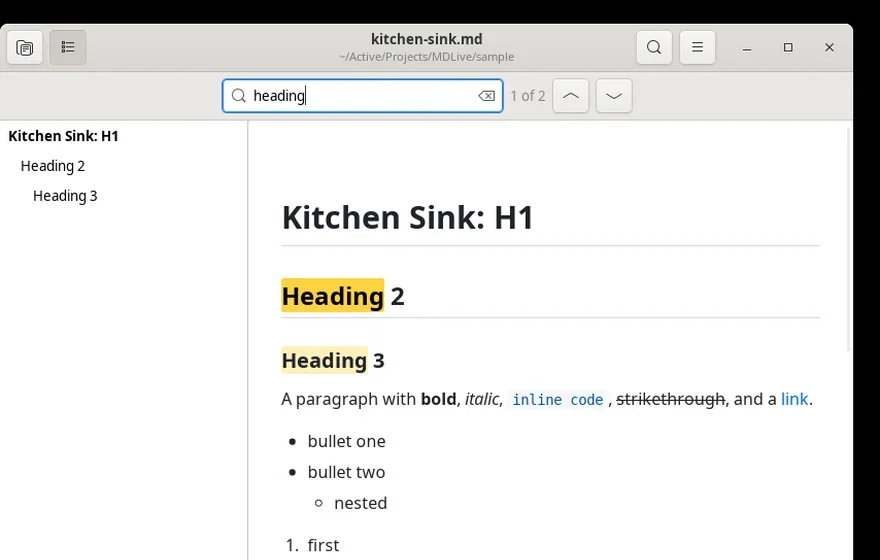
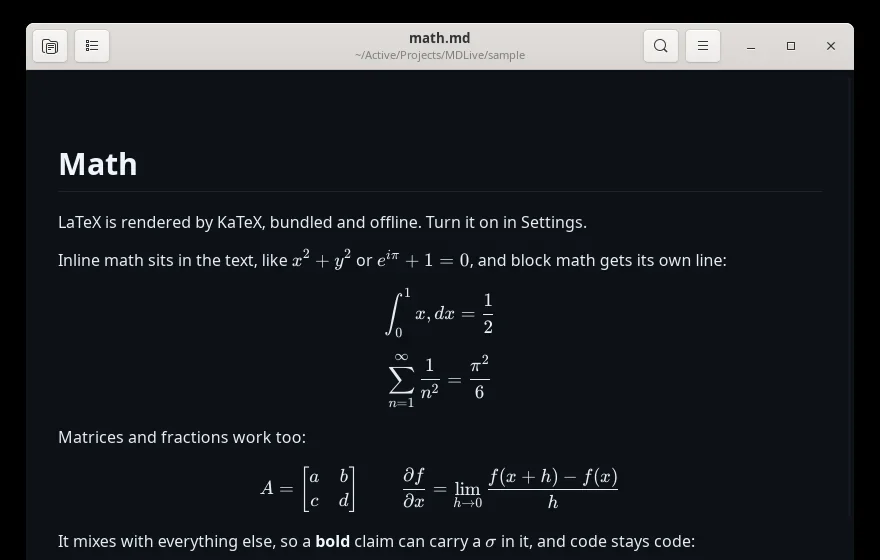
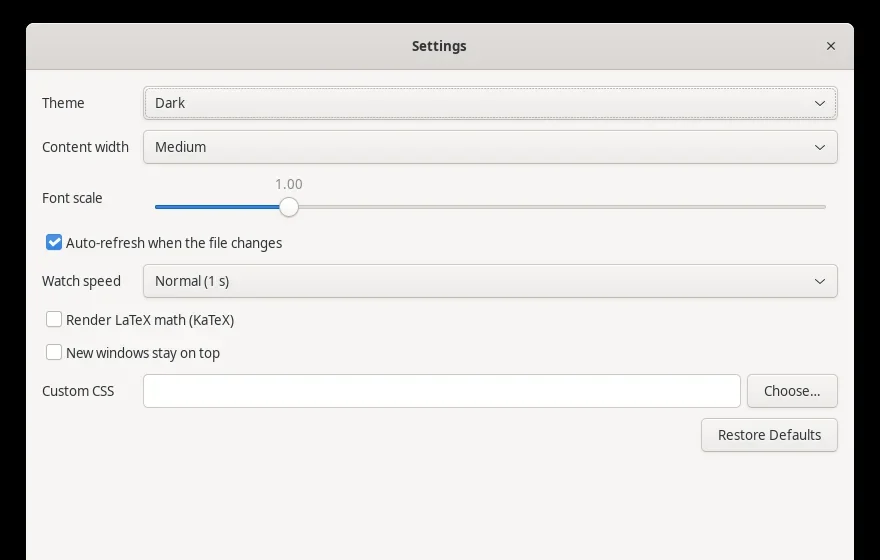
MDLive opens a Markdown file and re-renders it on every save, including atomic saves where an editor writes a temp file and renames it over the original. It keeps your scroll position, highlights code, renders GitHub-style tables, task lists and footnotes, and can render KaTeX math and Mermaid diagrams fully offline. It has dark and light themes, find with a match count, an outline sidebar, print and export to PDF or HTML, and a keep-on-top window. On the Mac you can click into the page and type; the edit autosaves back to the file and changes only the lines of the blocks you touched. A Format menu handles simple formatting, and a version history sidebar can restore an older version. The Mac app is Swift around a WebKit view, and the Linux port is a Python GTK app that uses the same web renderer byte for byte.
AI use
I built MDLive with Claude Code, Anthropic's coding agent, working spec first. Each round started as a written requirements document with numbered steps, a test to write first and a gate for each step. Before any building started, a fresh agent with no context reviewed the spec against the code, which caught missing pieces early. The agent then worked step by step against headless gates: a self-test that renders fixtures in an offscreen WebKit view and reads the page back, an edit test that types into paragraphs, lists, code blocks and tables and checks that only those lines changed in the file, and XCTest suites on the Mac side.
Decisions
I decided what it should not be: no vault, no server, nothing fetched at runtime, one window per file. I picked WebKit on both platforms so the Linux port could reuse the renderer unchanged. I tried a separate raw-text editor pane in three layouts and then removed it, because it made the app feel like an editor, and chose click-and-type editing in the rendered page instead. I required that an edit splice only the changed blocks back into the file, so the rest of the Markdown stays byte for byte the same, and I tested shortcuts like Bold by hand until they behaved the way I expected from Google Docs.
Limitations
There is no Windows build. Editing is Mac only; the Linux port is a read-only previewer, and the screenshots here are from it. Editing covers bold, italic, strikethrough, code, three heading levels, lists and links, and it only understands the elements its own renderer produces. The Mac build is ad hoc signed rather than notarized, so you build it yourself with Xcode and XcodeGen, and the auto-update code is wired in but switched off. Version history keeps up to 200 versions per file and stays local to one machine.
Screenshots
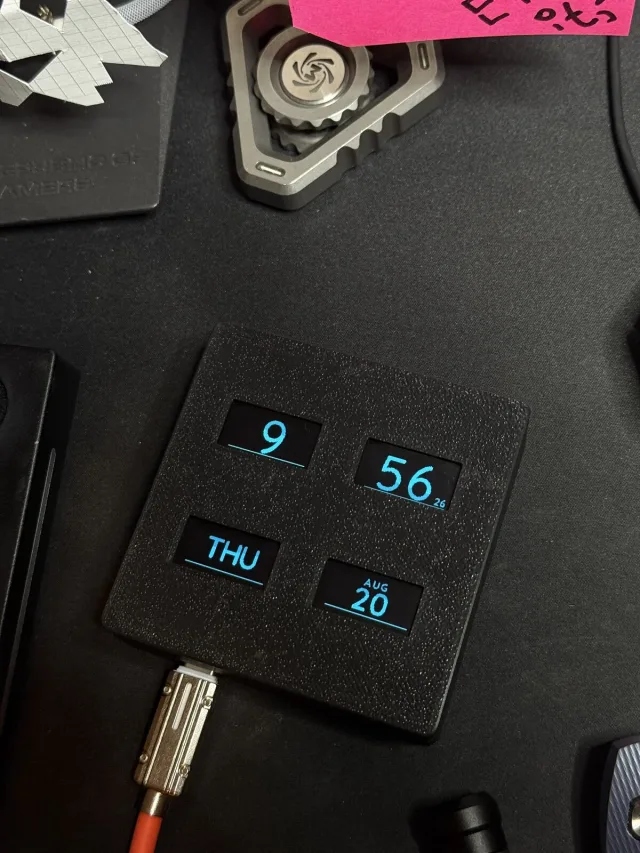
4square: a four-screen desk clock on a custom board
A desk clock with four small OLED screens on my own 74 mm circuit board, plus room sensors, a stopwatch and firmware that checks every screen before it ships.